Feature
Every file your church owns,
attached to the right Sunday.
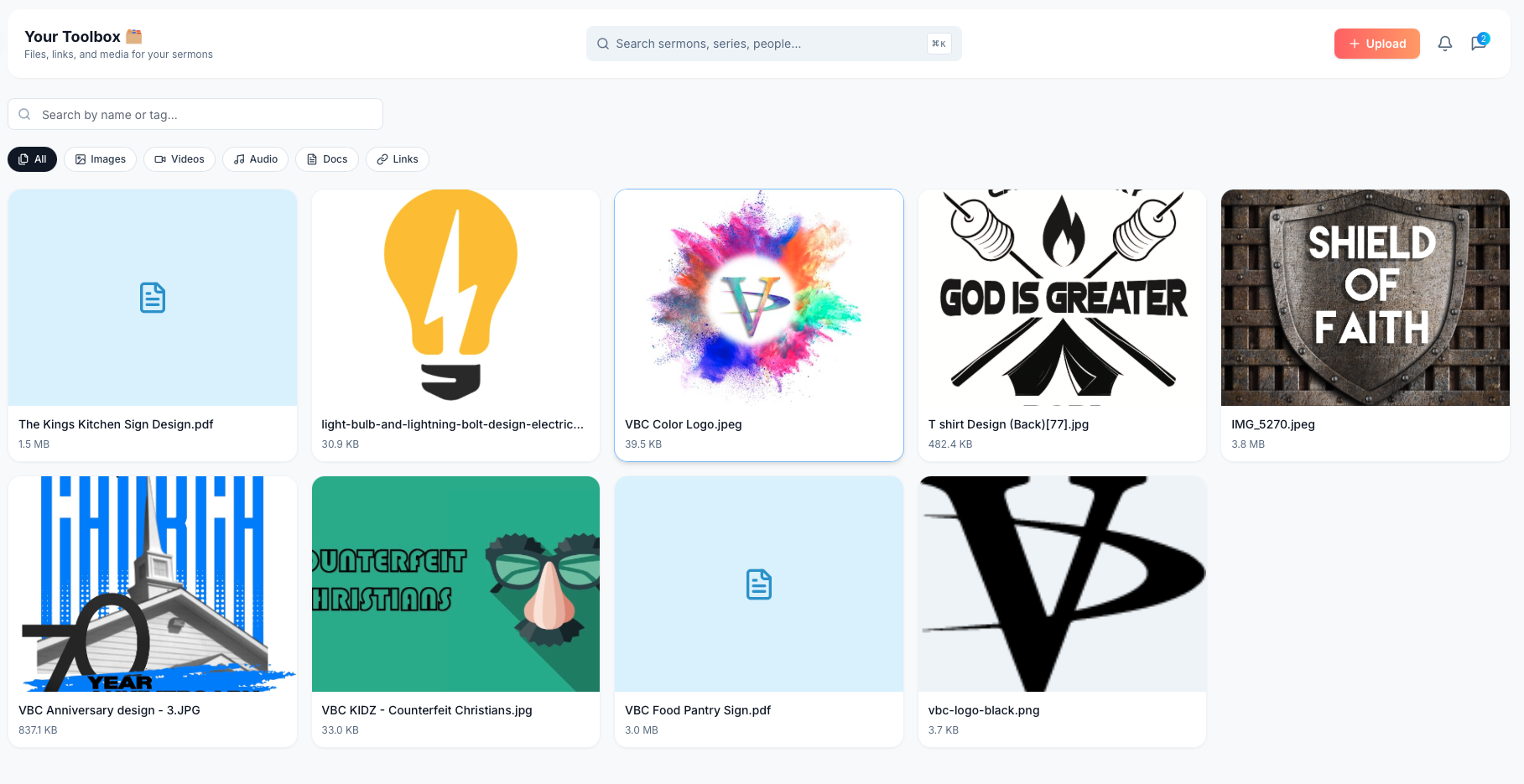
Sermon slides, announcement graphics, logos, PDFs, audio, video, and reference links. One searchable library, with each asset attached to the sermon, service, or series it belongs to.

The Easter slide deck is in one Google Drive. The logo is in another. The bulletin template hasn't been touched since 2022.
Every church staff has the same file problem. Last year's Easter slides are on the worship leader's laptop. The logo file is in a Dropbox the previous tech director set up. Last spring's announcement graphic is in the admin's Google Drive. The bulletin template is three folders deep in the office iMac.
When the new pastor arrives, when a new tech volunteer joins, when the season comes around again, the work happens twice. Someone redoes the deck. Someone redesigns the announcement. The work that should compound year over year keeps starting from scratch.
Toolbox is the one place all of it lives. Upload once. Attach to the sermon or service it belongs to. The next time you preach a similar passage, or the next time Christmas Eve rolls around, the right files surface alongside the right Sunday.
Every file type your church already uses
Images, video, audio, PDFs, Word docs, and external links. ServantSuite handles the formats your team already produces, and stores them where the planning happens.
- Images, video, audio, PDFs, docs
- External links (YouTube, Vimeo, Drive, Dropbox)
- Per-tier storage from 2 GB to 100 GB
Attached to the sermon it's for
When you upload an asset, attach it to the sermon, service, or series it belongs to. The next time someone opens that sermon, the related files are right there.
- Sermon-level attachments
- Service-level attachments
- Series-level reuse
Searchable, taggable, filterable
Search by filename or tag. Filter by type to surface just the images, just the audio, or just the docs. The right asset is one search away, no folder gymnastics.
- Full-text search across filenames and tags
- Filter by type: Images, Videos, Audio, Docs, Links
- Tag by season, series, theme, or speaker
Stop recreating last year's graphic
When Christmas Eve comes around again, last year's slide template is already in your Toolbox, tagged and ready. Compound the work instead of starting from scratch each season.
- Reuse across services and seasons
- Permission-based access by team role
- Versioning, so the latest is always on top
How it fits the week
- 1
Upload your existing files
Drag in your slide decks, logos, audio, and PDFs from wherever they currently live. ServantSuite accepts the formats your team already produces.
- 2
Tag and categorize
Tag each asset by series, theme, or season. The tags are how your team and your future self find the file again. No folders required.
- 3
Attach to the right Sunday
Open a sermon or service and attach the assets it needs. The files appear inline alongside the sermon outline, the run order, and the team tasks.
- 4
Reuse without hunting
Next Easter, next baptism, next funeral, the assets surface as soon as you create the service. The work compounds instead of starting over.
Try it on this Sunday.
Free for solo pastors. Five-minute setup for teams.