Integration · The booth
Can my sermon notes go into Planning Center?
Your team already lives in Planning Center. Put the sermon there too, without retyping a single point.
Free forever. No sermon limit, no card.
The short answer
Yes. Connect Planning Center Services to ServantSuite once. Your sermon becomes slides, one for each point, sub-point and verse with the verse text filled in, and they land in that Sunday's plan. ProPresenter picks them up through its own Planning Center import. As you preach, ServantSuite can move Planning Center Live with you. It is free on every church.
Last reviewed against the shipping product.
At a glance
- Works with
- Planning Center Services and Live
- Sends
- Points, sub-points and verses as slides
- Setup
- An admin connects once
- Cost
- Free
“Can you send me the verses?”
Retyping the sermon into the plan
Someone types the sermon's verses into the plan every week. Usually on Saturday. Usually from a screenshot of your notes. Then you change point two, and the plan is wrong.
Your notes become slides
ServantSuite reads the structure you already wrote. Each point, sub-point and verse becomes a slide, with the verse text from your translation. Hide a slide, edit one or add your own, then sync to the plan for that date.
Send the sermon as one plan item holding every slide, or as one item per slide. One item keeps the plan tidy. One item per slide lets Live follow you slide by slide.
- One slide per point, sub-point and verse
- Verse text filled in
- Sync again whenever the sermon changes
Living Water
5 slides from your notes
- Point1. Thirst is the starting line.
- VerseJohn 4:13-14 · Whoever drinks of this water...
- Sub-pointWe keep going back to the well.
- Point2. He offers water that lasts.
- VerseIsaiah 55:1 · Come, everyone who thirsts...
Live moves with you
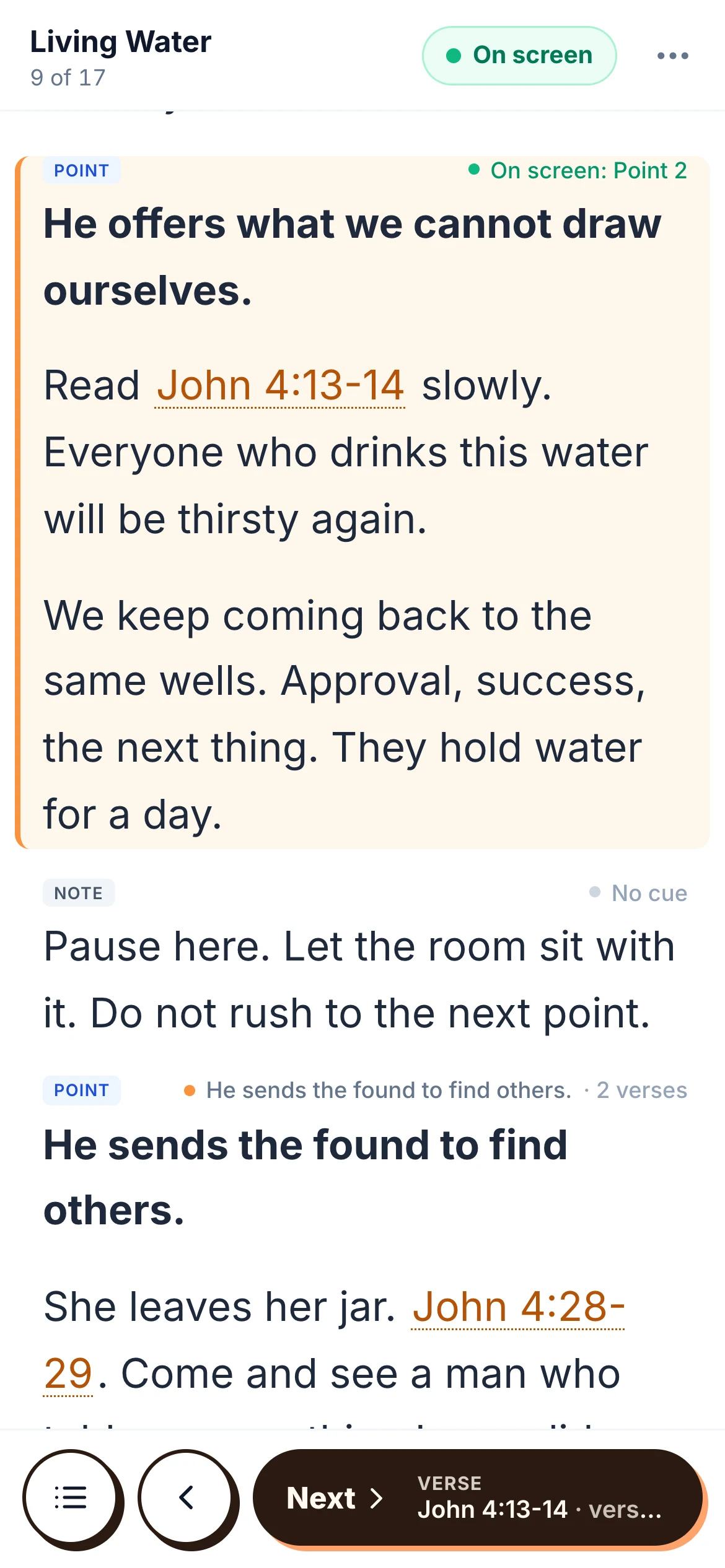
Link the service to its plan and turn on live control. As you move through the sermon in preach mode, Planning Center Live moves too, so the band and the booth know where you are without a wave from the stage.
- Tap a slide or use your clicker
- Everyone watching Live follows along
- Slide by slide with the one-item-per-slide layout
Running ProPresenter too?
ProPresenter imports the slides through its own Planning Center integration. To have each slide fire as you preach, add ServantSync on the media computer.
Honest fit
Is ServantSuite right for you?
A good fit if
- Your church plans services in Planning Center
- Someone retypes verses into the plan each week
- Your band or booth follows Planning Center Live
Look elsewhere if
- You don't use Planning Center Services. Everything else in ServantSuite works without it.
- You want slides designed for you. We send the text; your presentation software sets the look.
Free forever, for every pastor. Five-minute setup.
Connect it in five minutes
- 1
Connect
An admin connects Planning Center in Settings, Integrations.
- 2
Write the sermon
Points and verses become slides as you write.
- 3
Link the service
Pick the plan for that date and a layout.
- 4
Sync
Slides land in the plan. Sync again after changes.
- 5
Preach
Live moves with you.
FAQ
Questions pastors ask.
Is the Planning Center integration free?
Yes, on every church.
Which Planning Center products does it use?
Services for plans and slides, and Live for following along during the service.
Does ProPresenter get the slides?
Yes, through ProPresenter's own Planning Center import.
Does EasyWorship get the slides?
If your presentation software imports Planning Center plans, it picks up the slides the same way. ServantSync, which fires slides live, works with ProPresenter only today.
Who can connect Planning Center?
A church admin. There is one connection per church.
What happens when I change the sermon?
Sync again and the plan's slides update to match.
Keep reading
All guides- Integration
Is there sermon software that syncs with ProPresenter?
ServantSync fires ProPresenter slides from your sermon notes as you preach from your phone. Requirements, setup, pricing and limits, stated plainly.
Read the answer - Guide
How do I collaborate on sermon notes with my team?
Share sermon notes with your worship leader, media team and co-pastors. Comments, mentions, roles and version history, free for the whole team.
Read the answer - Guide
How do I run church slides with no one in the booth?
Your slides volunteer is out. Your options, from a clicker in the pulpit to slides that follow your sermon notes on their own.
Read the answer
Try it this Sunday.
Free forever, for every pastor. No sermon limit, no card.
Questions first? Talk to a human